
How to Choose a Soldering Station for Mobile Phone Motherboard Repair
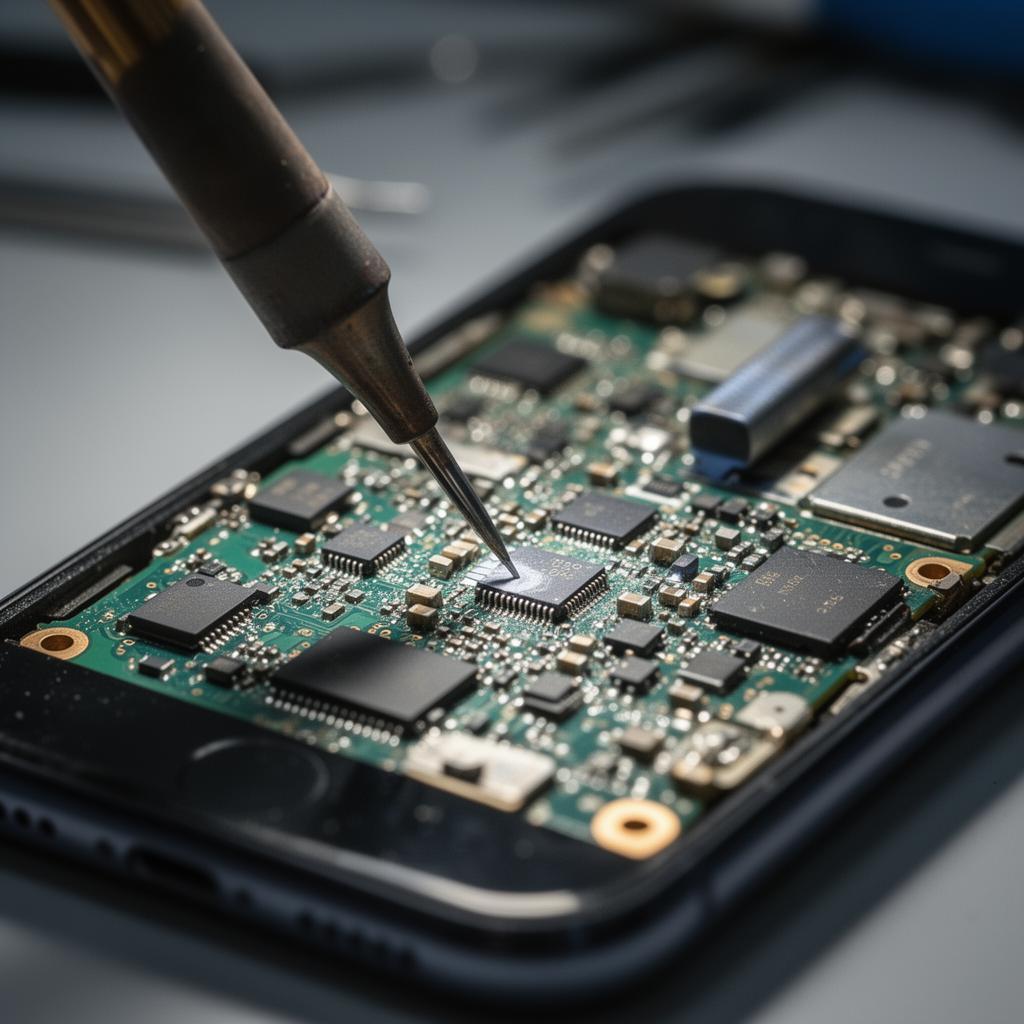
A soldering station is one of the most important tools on a mobile phone repair bench. But when you’re working on a motherboard, choosing just any soldering station is not enough.
Modern phone circuit boards contain tiny components, closely spaced connections and delicate solder pads. A station that struggles to maintain temperature or has unsuitable tips can make precise work unnecessarily difficult.
So, what should you look for when buying a soldering station for mobile phone motherboard repair?
The most important things are stable temperature control, suitable soldering tips, good heat recovery, ESD protection and reliable build quality. Let’s look at each one and how it affects your work.
1. Understand the type of soldering work you do
Before comparing machines, think about the jobs you intend to handle.
General phone repair and motherboard-level work do not always require the same equipment.
For example:
- General soldering: Wires, accessible connections and basic electronic repairs.
- Connector work: Soldering and repairing suitable charging-port and board connections.
- Motherboard repairs: Working on small components, solder pads and delicate connections.
- Micro-soldering: More demanding work involving very small components and closely spaced connections.
If your work is moving towards motherboard repair, you need a station that gives you precise control and supports suitable fine soldering tips.
A more expensive machine is not automatically the right choice. Match the equipment to the work you actually perform.
2. Temperature control and stability
Temperature control is one of the first things to consider.
A soldering station should allow you to select a working temperature appropriate for the solder, component and board you’re working on.
However, the number displayed on the screen is only part of the story. The station should also maintain a reasonably stable working temperature when the tip comes into contact with a joint.
Why does this matter?
When a tip touches a solder joint, it transfers heat to the work. Its temperature can drop during that process. A station with good control and recovery can bring the tip back towards the selected temperature efficiently.
Look for:
- Adjustable temperature settings.
- A clear and easy-to-read display.
- Consistent temperature performance.
- A reliable temperature sensor and control system.
- Calibration or temperature-checking support where available.
Avoid choosing a station based only on the highest temperature printed on its specifications.
3. Heat recovery matters
Heat recovery refers to how quickly a soldering station restores the tip’s temperature after heat has been transferred to a joint.
This becomes important when working on larger connections or areas that absorb heat quickly.
A station with poor recovery may struggle to maintain the working temperature, making soldering slower and less consistent.
For motherboard work, good heat recovery helps you work more predictably. It does not mean you should simply increase the temperature whenever a joint is difficult to solder.
The correct technique, tip selection and preparation still matter.
4. Choose a station with suitable soldering tips
The soldering tip is the part that makes direct contact with the joint. Its shape and size influence how effectively heat is transferred.
Different jobs require different tips.
Common types include:
| Tip type | Typical use |
|---|---|
| Conical or pointed | Small, accessible solder joints |
| Chisel | General soldering and improved contact with suitable pads |
| Knife | Selected drag-soldering and component work |
| Fine bevel | Small connections requiring controlled contact |
For motherboard work, make sure the station supports suitable fine tips and that replacement tips are available.
One important point: the smallest tip is not always the best choice. A tip that is too small may transfer heat inefficiently. The goal is to use a tip that matches the size and thermal requirements of the joint.
Before buying, check the exact tip series supported by the station. Different brands and models may use different tip systems.
5. ESD protection: an important consideration
ESD stands for electrostatic discharge. It is the sudden transfer of static electricity from one object to another.
Electronic components can be sensitive to electrostatic discharge, even when the discharge is too small for a person to feel.
When working on mobile phone motherboards, ESD protection should be part of your workshop setup.
Look for a soldering station designed with ESD protection and follow the manufacturer’s instructions for grounding and safe use.
Remember that an ESD-safe soldering station is only one part of the protection process. Your workbench, mat, wrist strap and handling practices also matter.
6. Check the handpiece and comfort
A soldering station may have impressive specifications, but you will be holding its iron for extended periods.
A good handpiece should feel comfortable and allow you to control the tip accurately.
Check for:
- A comfortable grip.
- A manageable weight.
- A flexible cable that does not restrict movement.
- A secure connection to the station.
- A stable holder for the iron when not in use.
These details may seem minor when comparing product specifications, but they make a difference during daily repair work.
7. Additional features worth considering
Some stations include features that make everyday work easier.
Sleep mode: Reduces the working temperature when the iron is placed in its holder, depending on the station’s design.
Automatic standby: Helps reduce unnecessary heating when the tool is not being used.
Replaceable heating elements: Can make maintenance easier if the heating element eventually needs replacement.
Temperature calibration: Helps you check and correct the difference between the displayed and actual tip temperature.
Available spare parts: Check whether replacement tips, handpieces, heating elements and other compatible accessories can be sourced.
Do not pay extra for features you will never use. Prioritise the features that support your actual repair work.
8. Soldering station or hot air station: which do you need?
A common mistake is assuming that a soldering station and a hot air rework station are interchangeable.
They are not.
A soldering station uses a heated metal tip to make direct contact with solder joints. A hot air rework station directs heated air onto components and the surrounding solder.
For many motherboard repairs, the two tools complement each other.
A soldering station is useful for individual connections and controlled tip-based work. A hot air station is useful for removing and installing many surface-mounted components.
If you’re comparing the two, read our guide: Hot Air Rework Station vs Soldering Station: What’s the Difference?
9. Common mistakes when buying a soldering station
Before making your purchase, avoid these mistakes:
- Choosing based on wattage alone: Wattage is only one specification. Temperature stability and heat recovery also matter.
- Ignoring tip availability: A station is less useful if compatible replacement tips are difficult to source.
- Overlooking ESD protection: Consider the protection provided by the equipment and your wider workbench setup.
- Buying an unfamiliar tip system: Check replacement parts and compatibility before committing.
- Assuming a digital display guarantees accuracy: A display does not automatically mean the station maintains the selected temperature.
- Buying more equipment than you need: Start with the requirements of your current repair work and expand as your skills develop.
10. Where to buy soldering stations in Kenya
If you’re looking for mobile phone repair equipment in Nairobi, Mutesh Ventures Ltd supplies tools and equipment for phone repair technicians and businesses.
You can explore the Mutesh Ventures online store to view its current range of soldering stations and other repair equipment.
You can also visit the shop:
Mutesh Ventures Ltd
Accra Towers, 7th Floor, Shop D3
Kenneth Matiba Road, Nairobi CBD, Kenya
Call: 0724 946 622
Email: contact@muteshventures.com
If you’re unsure which station suits your work, ask about the available models, compatible tips and replacement accessories before purchasing.
Frequently asked questions
What is the best soldering station for mobile phone motherboard repair?
The best station is one that offers stable temperature control, good heat recovery, suitable fine soldering tips, ESD protection and reliable replacement-part availability. The right model depends on the type of repairs you perform and your budget.
What temperature should I use when soldering a phone motherboard?
There is no single temperature that suits every motherboard repair. The appropriate setting depends on the solder alloy, component, tip, board design and the work being performed. Follow the component and equipment manufacturer’s guidance and use the lowest effective heat for the task.
Is a digital soldering station better than an analogue one?
A digital display makes it easier to select and monitor a temperature setting. However, digital controls alone do not guarantee better performance. Temperature stability, heat recovery and build quality are also important.
Do I need an ESD-safe soldering station for phone repair?
An ESD-safe station is a sensible choice when working with sensitive electronic components. It should be used as part of a wider ESD-safe workbench setup.
Can I use one soldering station for all phone repairs?
A suitable soldering station can handle many soldering tasks, but not every repair. Some motherboard jobs require hot air equipment, specialised tools, microscopes or other equipment.
What should I check before buying a soldering station?
Check temperature control, heat recovery, compatible tips, ESD protection, handpiece comfort, spare-part availability and the type of repair work the station is designed to support.
Final thoughts
Choosing a soldering station for mobile phone motherboard repair is about more than finding a machine with a digital display or a high wattage rating.
You need equipment that gives you control, transfers heat consistently and supports the precision your work demands.
Start with your repair needs, check the features that matter and make sure replacement accessories are available. A well-chosen station can become a dependable part of your workshop for years.
Explore mobile phone repair tools and equipment at Mutesh Ventures.
Add a review
Your email address will not be published. Required fields are marked *